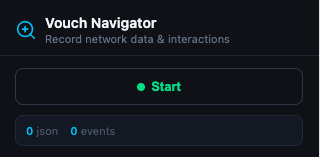
Navigator Chrome extension for Vouch Testers

Capture browser sessions, turn them into vouch configs.

A lightweight Chrome extension for Vouch Testers that records clicks and navigations as you browse — then packages everything for Vouch to analyze.

vouch-navigator.zip · ~40 KB

Install in Chrome

4 steps · ~1 min
01

Download & unzip the extension

Click the download button above, then unzip the file anywhere on your computer. You'll get a folder called vouch-navigator-extension.
02

Open Chrome's extensions page

Visit chrome://extensions in your address bar. In the top-right corner, toggle on Developer mode.
03

Load the unpacked extension

Click Load unpacked in the top-left, then select the unzipped vouch-navigator-extension folder.
// the extension will appear in your toolbar with a magnifying-glass icon
04

Pin the extension

Click the puzzle-piece icon in your toolbar, then the pin next to Vouch Navigator. This keeps the icon visible while you record.
Download started